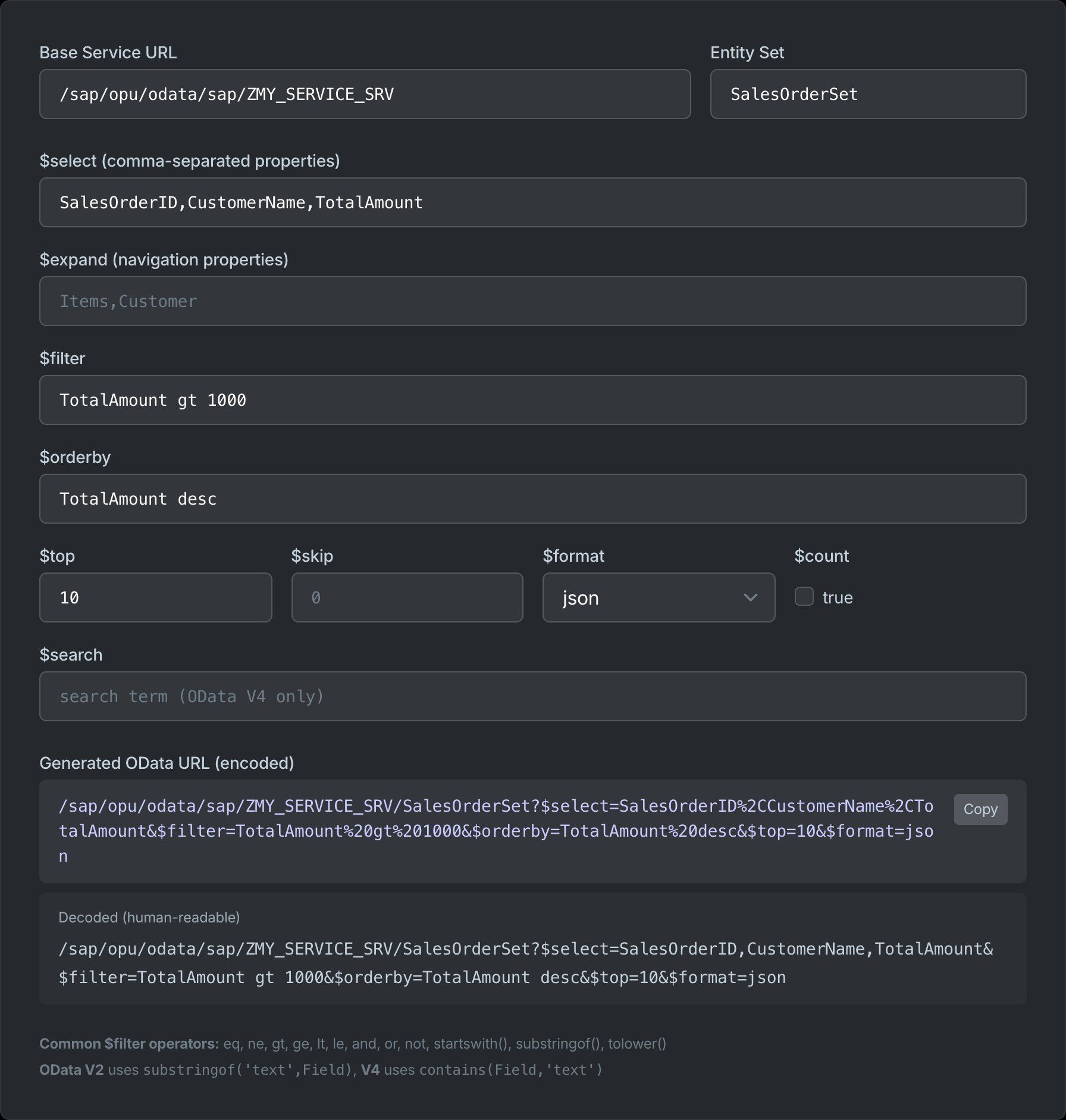
$filter is the OData query option people google most — the syntax is strict, the error messages are useless, and half the examples online are for the wrong protocol version. This cookbook collects every operator and function with a copy-pasteable example. All queries assume a hypothetical Orders entity set with properties Id, Customer, Status, Total, OrderDate, Items. For the full query-option reference see the OData query options cheat sheet; to build URLs interactively use the SAP OData URL builder.
Comparison operators
$filter=Status eq 'Open'
$filter=Status ne 'Cancelled'
$filter=Total gt 1000
$filter=Total ge 1000
$filter=Total lt 500
$filter=Total le 500
Operators are words, not symbols — eq, ne, gt, ge, lt, le. String literals use single quotes; numbers and booleans are bare. A double quote around a string (eq "Open") is a syntax error in OData.
Logical operators and precedence
$filter=Status eq 'Open' and Total gt 100
$filter=Status eq 'Open' or Status eq 'Pending'
$filter=not (Status eq 'Cancelled')
$filter=(Total gt 1000 or Total lt 0) and Status ne 'Draft'
not binds tightest, then and, then or. When mixing, parenthesise — A and B or C reads as (A and B) or C, which is rarely what you meant.
Arithmetic operators
$filter=Total div Quantity gt 100
$filter=Price mul Quantity gt 5000
$filter=Balance mod 1000 eq 0
$filter=(Amount add Tax) gt 100
add, sub, mul, div, mod work inside expressions — handy when the API exposes gross/net split properties but not the derived total.
String functions
$filter=startswith(Customer,'Cont')
$filter=endswith(Customer,'Ltd')
$filter=contains(Customer,'hold')          // V4
$filter=substringof('hold',Customer)       // V2 equivalent
$filter=indexof(Customer,'-') gt 0
$filter=length(Customer) gt 10
$filter=tolower(Customer) eq 'contoso'
$filter=trim(Customer) eq 'Contoso'
$filter=concat(concat(FirstName,' '),LastName) eq 'John Doe'
$filter=substring(Customer,0,4) eq 'Cont'
The V2→V4 rename that breaks the most queries: substringof(needle,field) became contains(field,needle) — arguments swapped and renamed. In V4, substring(x,n) (without a length) takes everything from position n.
Date and time functions
// V4 — Edm.DateTimeOffset / Edm.Date properties
$filter=OrderDate gt 2026-01-01
$filter=year(OrderDate) eq 2026
$filter=month(OrderDate) eq 10 and year(OrderDate) eq 2026
$filter=day(OrderDate) le 15
$filter=hour(CreatedAt) lt 12

// V2 — Edm.DateTime needs the datetime literal wrapper
$filter=OrderDate gt datetime'2026-01-01T00:00:00'
V4 dropped the datetime'…' wrapper for ISO 8601 bare literals — the single most common "works in demo, fails on SAP" bug, because SAP Gateway still serves V2 for most Fiori services. now() is available in V4 only.
Null and boolean filters
$filter=ConfirmedBy eq null
$filter=ConfirmedBy ne null
$filter=IsPaid eq true
$filter=IsPaid                    // V4 shorthand: boolean properties filter directly
$filter=not IsPaid
null is a literal, not a string — eq 'null' never matches. Boolean properties can be the whole predicate in V4 ($filter=IsPaid).
Collections: any and all (the "nested filter" question)
To filter a parent by a child collection property — e.g., "orders that contain an item over €1000" — use the lambda operators any and all, not a path into the collection:
// Orders with at least one item over 1000
$filter=Items/any(i:i/Price gt 1000)

// Orders where every item is in stock
$filter=Items/all(i:i/InStock eq true)

// Nested conditions
$filter=Items/any(i:i/Price gt 1000 and i/Category eq 'Premium')
Items/Price gt 1000 is invalid — you can't address a collection property directly. The lambda variable (i:) scopes the inner predicates to a single element.
Enums, IN lists, and type casts
// Enum literal — fully qualified name, no quotes (V4)
$filter=Status eq Demo.OrderStatus'Open'

// V4.01+ — in-list
$filter=Status in ('Open','Pending','Shipped')
Enum values carry the namespace — eq 'Open' alone fails when the property is typed. The in operator is V4.01; on older services chain or conditions instead.
SAP Gateway quirks that break filters
- Many SAP services require
sap-client=NNNin the URL or a client header — without it you get an empty set, not an error. - SAP property names are case-sensitive and match the service's
$metadata, not the ABAP field name (CreatedAtvsERDAT). - Some SAP backends reject
contains()andstartswith()on non-string types — cast withcast(Id,Edm.String)first. - V2 services don't accept the V4 boolean shorthand — write
IsPaid eq true.
Combine $filter with the rest
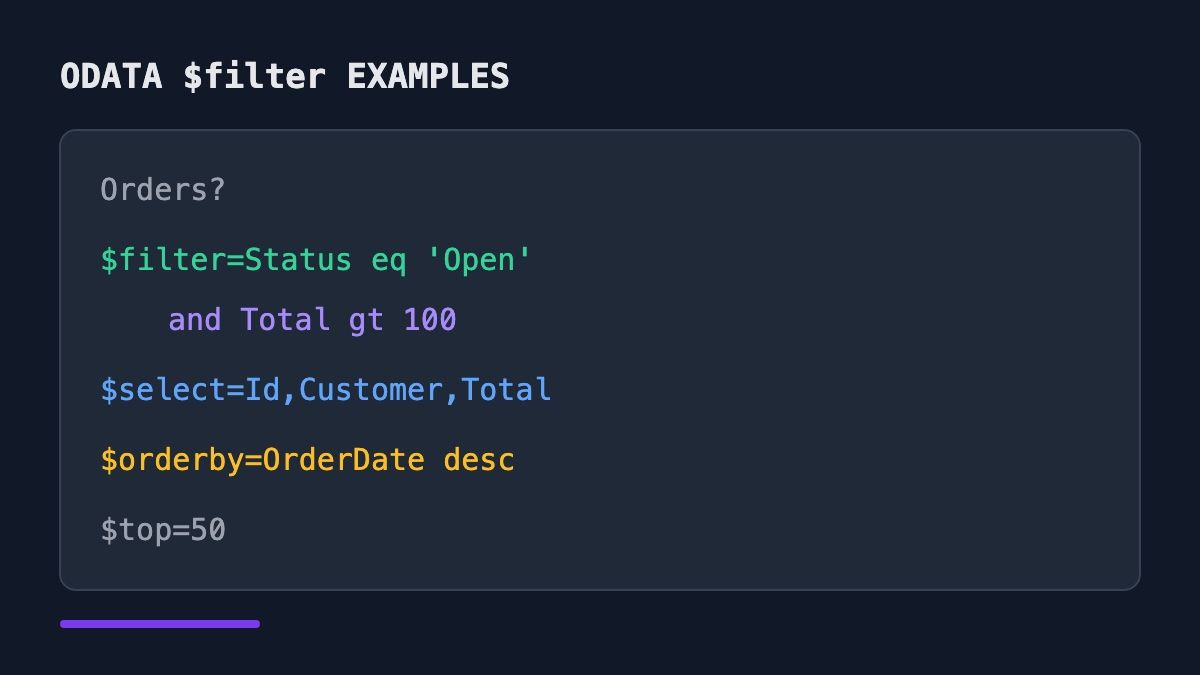
Orders?$filter=Status eq 'Open' and Total gt 100
       &$select=Id,Customer,Total
       &$orderby=OrderDate desc
       &$top=50
Always pair a filter with $top while developing — an unfiltered entity set can be millions of rows. Build the URL with the OData URL builder and check the encoded result before sending it to production.
Frequently Asked Questions
Why does my OData filter return a syntax error?
The top three causes: double-quoted strings (use 'single'), V4 syntax on a V2 service (contains(F,'x') → substringof('x',F)), and bare dates on a V2 service (2026-01-01 → datetime'2026-01-01T00:00:00'). Check the service version in $metadata before writing queries.
How do I filter on a nested or expanded property?
For a single-valued navigation property use a path: $filter=Customer/Country eq 'DE'. For a collection-valued property you need any/all: $filter=Items/any(i:i/Price gt 100) — Items/Price alone is invalid.
Is OData filter case-sensitive?
Property names are always case-sensitive. String values depend on the backend's collation — most SAP systems are case-sensitive, Microsoft Graph is not. For a case-insensitive match, normalise both sides: tolower(Customer) eq 'contoso'.
How do I filter by "contains" text?
V4: contains(Field,'text'). V2 (SAP Gateway): substringof('text',Field). Neither supports wildcards — %-style patterns are a SQL thing, not OData.