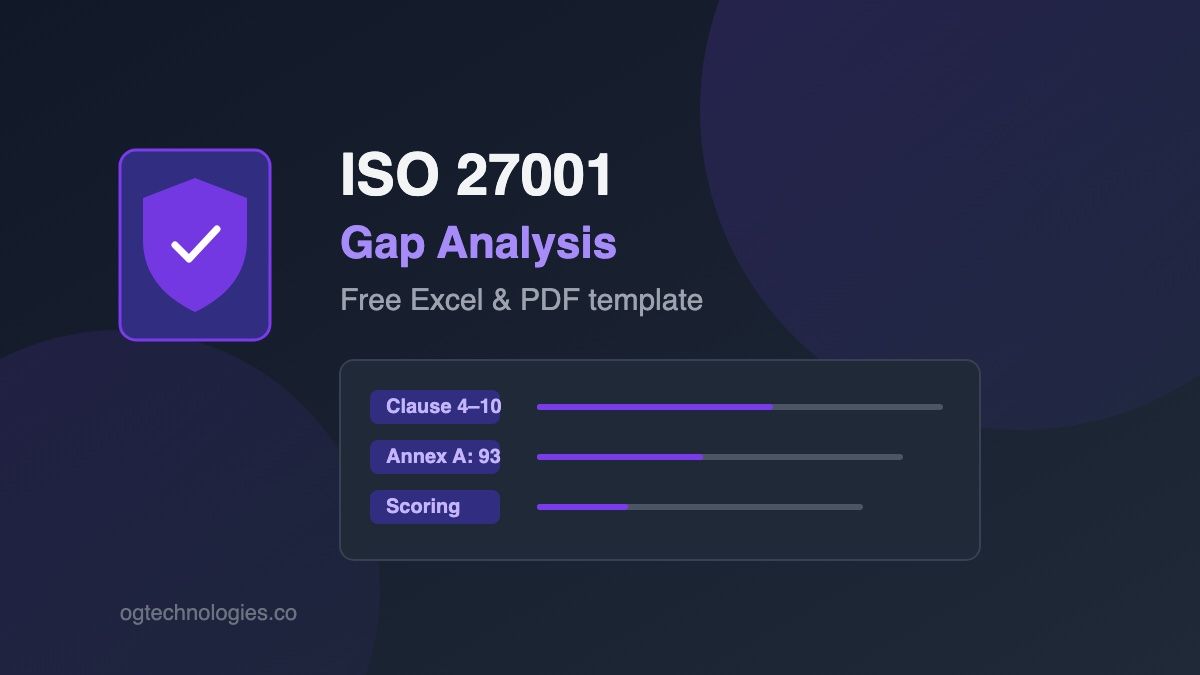
A gap analysis is the first real deliverable of an ISO/IEC 27001 program: the document that maps where your information security practices stand today against what the standard requires, so you can build a prioritized remediation roadmap. This free template covers all of it — the 22 management-system requirements of clauses 4–10 plus all 93 Annex A controls — with the columns a working assessment actually needs: current status, gap severity, evidence, remediation action, owner, and due date.
Download it as an Excel workbook with instructions and two assessment sheets, or as a printable PDF for workshop sessions. If you'd rather answer questions than fill spreadsheets, our free ISO 27001 Gap Analysis tool runs the same assessment as a guided questionnaire and produces a scored PDF report in about 10 minutes — and the step-by-step gap analysis guide explains the methodology behind the columns.
Download the template
Three sheets — instructions, clauses 4–10, and the 93 Annex A controls — in Excel (recommended) or a printable PDF for workshop use. No email required.
Working aid for self-assessment — not a substitute for the ISO/IEC 27001 standard or a formal certification audit.
What's in the workbook
The template is organized as three sheets so the two halves of an ISO 27001 assessment stay separate — the management-system requirements auditors check first, and the Annex A control catalogue that feeds your Statement of Applicability:
- Instructions — the four-step scoring convention (status → severity → evidence → remediation) so everyone rates controls the same way.
- Clauses 4–10 — all 22 management-system requirements, from context and scope (4.x) through leadership, risk, and internal audit to improvement (10.x).
- Annex A Controls — all 93 controls grouped by theme: Organizational (A.5, 37), People (A.6, 8), Physical (A.7, 14), and Technological (A.8, 34).
The columns, and how to fill them
| Column | What goes in it |
|---|---|
| Ref | Clause or Annex A reference — e.g. 6.1, A.5.23 |
| Requirement / Control | The requirement title or control name |
| Current status | Implemented / Partial / Not implemented / N/A |
| Gap severity | Critical / High / Medium / Low — drives remediation order |
| Evidence in place | Link or reference to policies, tickets, logs, configs |
| Remediation action | What closes the gap — not just "improve X" but a concrete step |
| Owner | The person accountable for closing the gap |
| Due date | Target completion — keeps the roadmap honest |
How to run the assessment
- Scope first. Record what's in the ISMS boundary — entities, sites, systems. A gap against an out-of-scope system wastes effort; a missed in-scope system fails Stage 1.
- Score honestly. "Partial" is the most useful rating — it marks controls that exist but aren't documented, consistent, or evidenced. Auditors find the same gaps; better you find them first.
- Attach evidence as you go. A policy link, a ticket reference, a config export. Rows without evidence are where audit findings come from.
- Sort by gap severity → roadmap. Critical and High rows become the remediation plan; each one needs an owner and a date, not a "later".
When the Annex A sheet is scored, its rows carry straight into your Statement of Applicability — the SoA adds the "applicable / justified" decision on top of the status you've already recorded. Need the controls list by itself? The complete Annex A controls reference has descriptions and standalone checklist downloads.
Frequently Asked Questions
Is this the same as a risk assessment?
No — they feed each other but answer different questions. A gap analysis measures your current practices against the standard's requirements; a risk assessment (clause 8.2) identifies threats to your specific assets and drives which Annex A controls you select. Do the gap analysis first to establish the baseline, then formalize the risk assessment before writing the SoA.
How long does a gap analysis take?
For a small team, expect one to three days: a few hours scoring clauses 4–10 with your policies in hand, a day walking the 93 Annex A controls with whoever owns each area (IT, HR, facilities), then half a day turning Critical/High gaps into a remediation plan. The online tool compresses the questionnaire part to about 10 minutes.
Do I need to assess all 93 Annex A controls?
Yes at the gap stage — you can't justify excluding a control you never evaluated. The template marks each one so exclusions in your SoA are decisions, not omissions. Some controls (A.5.1 policies, A.6.3 awareness) are effectively always applicable; others like A.7 physical controls may legitimately be N/A for fully remote companies — but that calls for a written justification.
Can I use the template for ISO 27001:2013?
It's built on the 2022 edition — 93 controls in 4 themes. If you're working from the 2013 edition (114 controls in 14 domains), most row content still maps across, but reference numbers changed; for certification work always assess against the edition on your certificate.
Is the download really free?
Yes — no email, no account, no upsell. The files are generated on our site and served as direct downloads. The same data powers our free online tools if you'd rather work in the browser.